
Most online application portals — scholarships, recruitment, admissions, ration card, PAN or passport services — set strict upload limits such as photo 20–50 KB, signature 10–20 KB and documents under 200–500 KB. If the file is bigger, the form simply refuses to upload. This guide shows simple, free methods that work on mobile and computer.
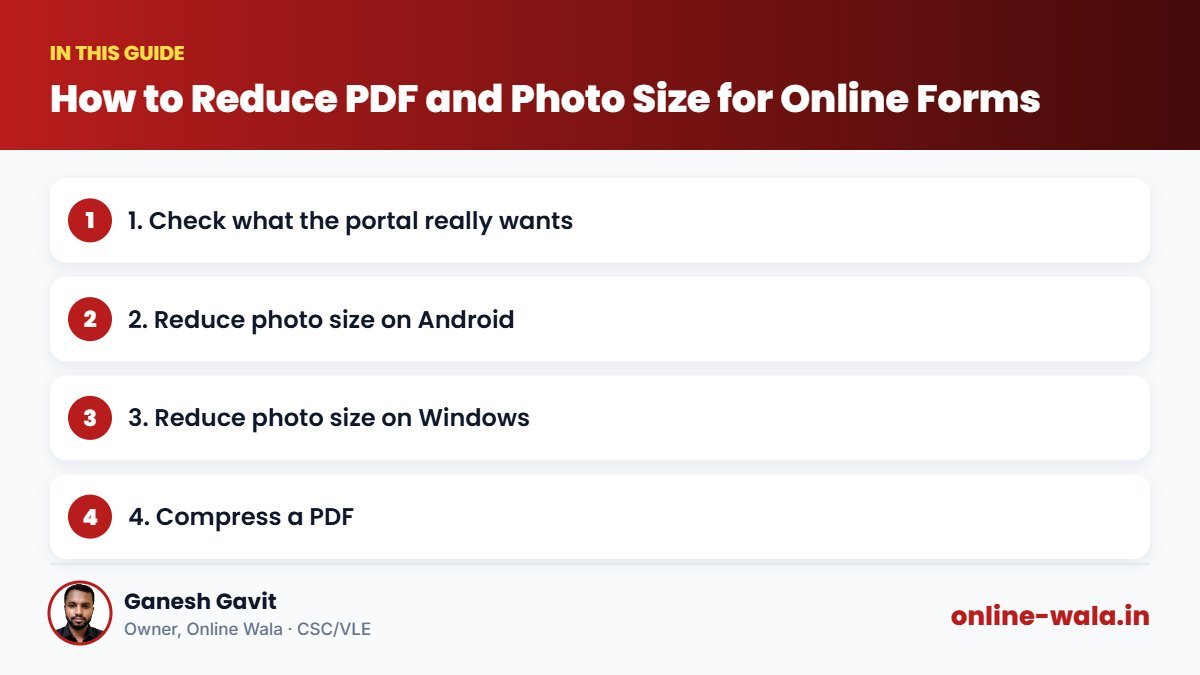
1. Check what the portal really wants
- File type: JPG/JPEG for photos and signatures, PDF for documents.
- Size limit: written in KB (1 MB = 1024 KB).
- Dimensions: some portals ask for pixels, e.g. 200 × 230 px for a photo or 140 × 60 px for a signature.
Read the instructions page carefully — uploading the wrong format is the most common reason for rejection.
2. Reduce photo size on Android
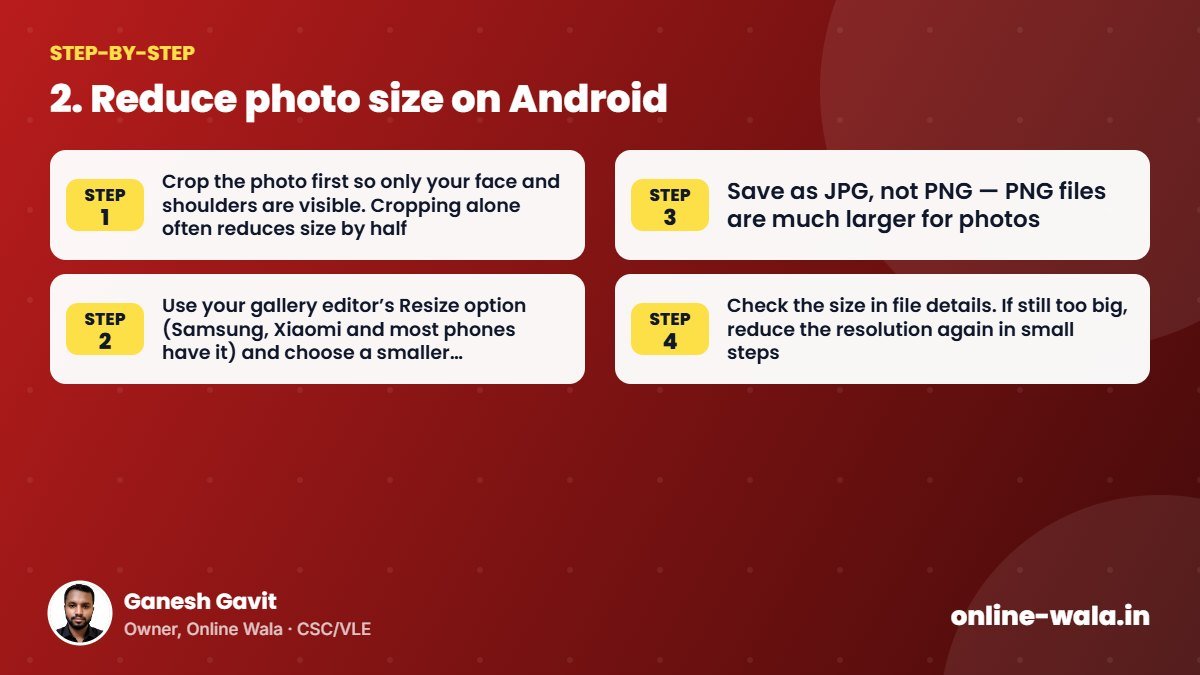
- Crop the photo first so only your face and shoulders are visible. Cropping alone often reduces size by half.
- Use your gallery editor’s Resize option (Samsung, Xiaomi and most phones have it) and choose a smaller resolution such as 600 px width.
- Save as JPG, not PNG — PNG files are much larger for photos.
- Check the size in file details. If still too big, reduce the resolution again in small steps.
3. Reduce photo size on Windows
- Open the photo in Paint → Resize → choose Pixels and enter the width required (keep “Maintain aspect ratio” ticked).
- File → Save as → JPEG.
- Right-click the file → Properties to check the size.
4. Compress a PDF
- Scan at lower resolution: 150–200 DPI is clear enough for documents; 600 DPI creates huge files.
- Scan in grayscale unless colour is required.
- Use “Save as PDF (reduced size)” options in scanner apps or office software.
- Split large PDFs and upload only the pages that are asked for.
5. Common mistakes
- Reducing size so much that text becomes unreadable — the application may be rejected later.
- Uploading a photo with dark background or shadow when a white/light background is required.
- Renaming a .png file to .jpg — the format does not actually change.
Tip: keep one folder on your phone with ready-made, correctly sized copies of your photo, signature and common documents. It saves a lot of time for every new form.

About the author
Ganesh Gavit
Owner, Online WalaFounder of Ganesha Digital. Creates software, apps and ready-to-use templates for businesses, students and CSC/VLE operators.