
A marriage biodata is usually the first introduction between two families, so it should be clean, honest and easy to read on a mobile phone. Here is a simple structure that works for most Indian families.
Recommended sections (in this order)
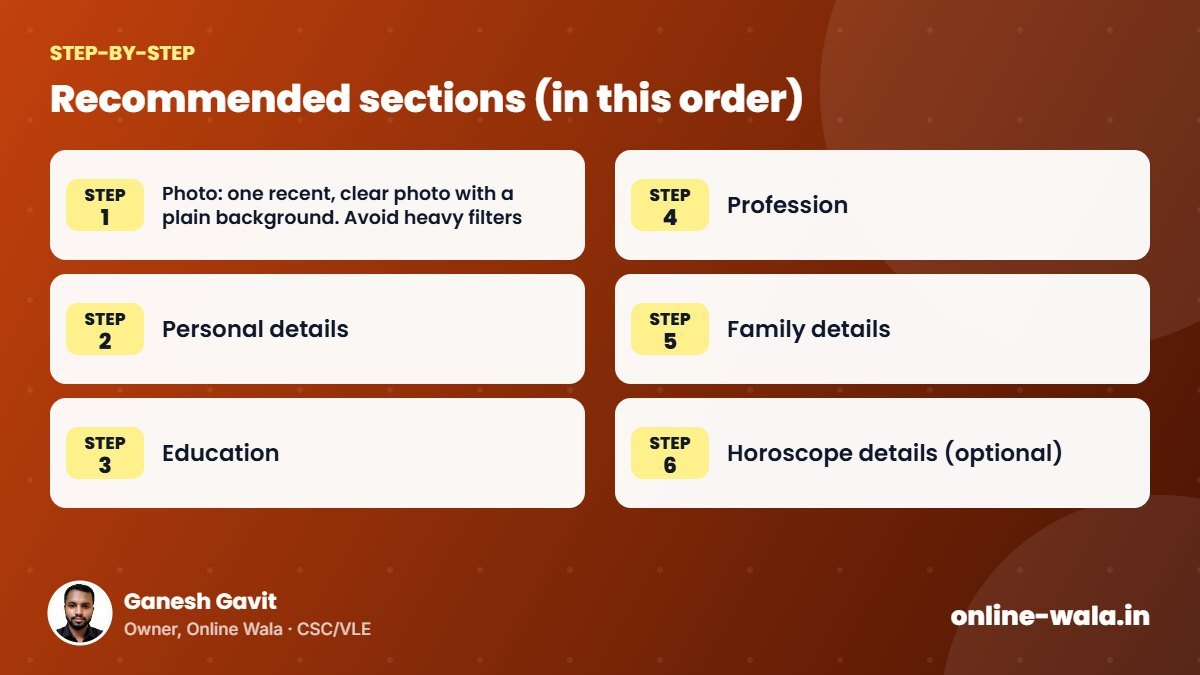
- Photo: one recent, clear photo with a plain background. Avoid heavy filters.
- Personal details: full name, date of birth, height, complexion (optional), blood group, religion/community as your family prefers.
- Education: highest qualification first, with college/university name.
- Profession: job title, company or business, work location. Mention income only if your family is comfortable.
- Family details: father’s and mother’s name and occupation, brothers/sisters with marital status, native place.
- Horoscope details (optional): birth time, place, rashi, nakshatra, gotra — if your family follows them.
- Expectations (short): two or three lines about the partner you are looking for.
- Contact: one parent’s mobile number and address/city.
Tips for a good biodata
- Keep it to one page. Families read it on WhatsApp, so a single-page PDF or image works best.
- Use a simple font and enough spacing; avoid crowded borders.
- Be truthful about age, education and job — trust matters more than decoration.
- Write in the language both families are comfortable with (Marathi, Hindi or English).
- Save it as PDF so formatting does not break when shared.
Mistakes to avoid
- Spelling mistakes in names and education.
- Too many photos or very old photos.
- Sharing sensitive information such as Aadhaar or bank details — never add these to a biodata.
You can use our editable biodata formats to prepare a neat biodata in minutes, then export it as PDF for sharing.

About the author
Ganesh Gavit
Owner, Online WalaFounder of Ganesha Digital. Creates software, apps and ready-to-use templates for businesses, students and CSC/VLE operators.