
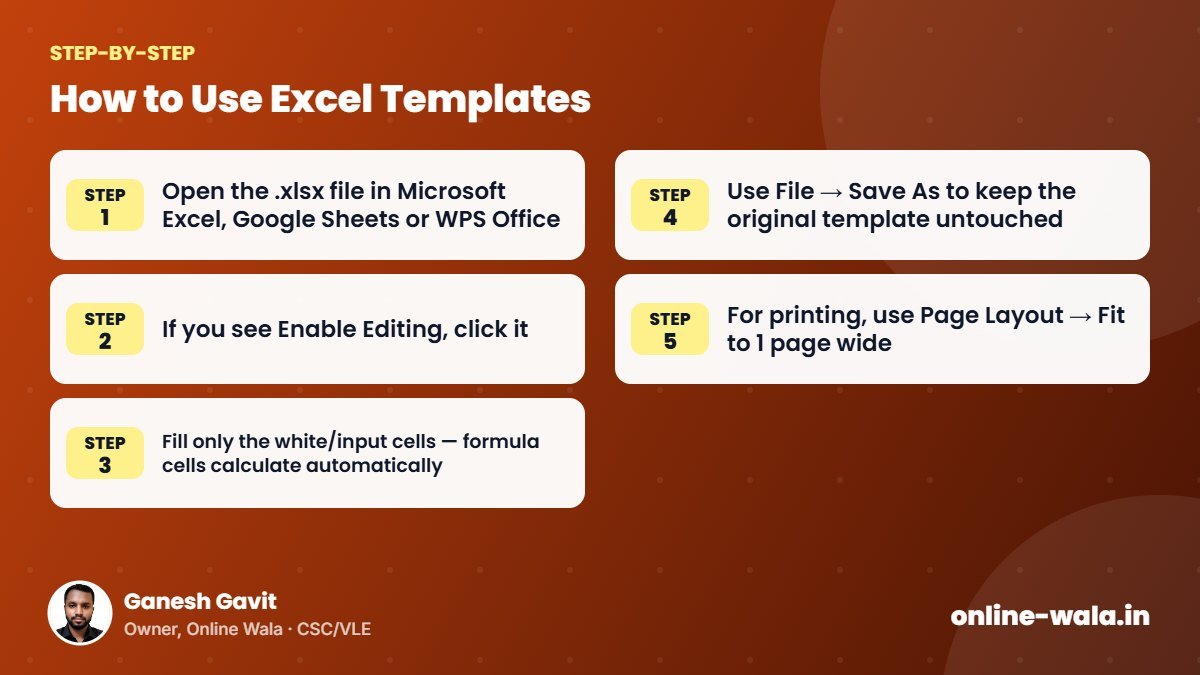
- Open the .xlsx file in Microsoft Excel, Google Sheets or WPS Office.
- If you see Enable Editing, click it.
- Fill only the white/input cells — formula cells calculate automatically.
- Use File → Save As to keep the original template untouched.
- For printing, use Page Layout → Fit to 1 page wide.

About the author
Ganesh Gavit
Owner, Online WalaFounder of Ganesha Digital. Creates software, apps and ready-to-use templates for businesses, students and CSC/VLE operators.