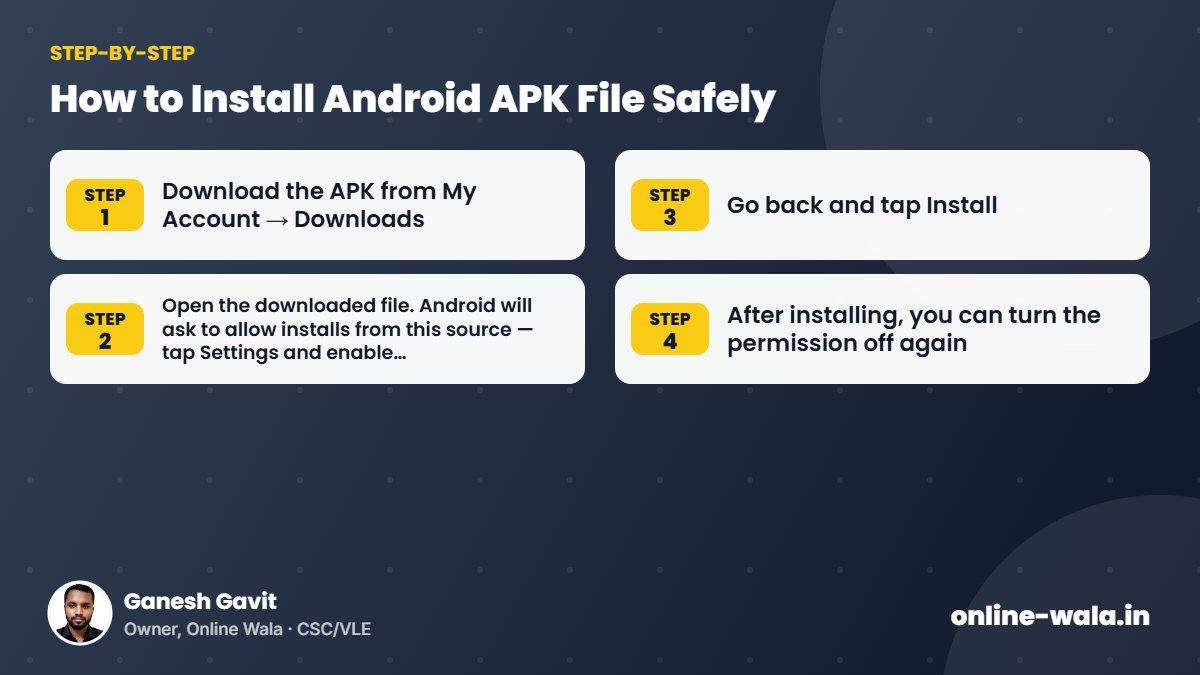
- Download the APK from My Account → Downloads.
- Open the downloaded file. Android will ask to allow installs from this source — tap Settings and enable Allow from this source for your browser or file manager.
- Go back and tap Install.
- After installing, you can turn the permission off again.
Only install APK files from sources you trust. Google Play Protect may show a warning for apps outside Play Store — read it carefully.

About the author
Ganesh Gavit
Owner, Online WalaFounder of Ganesha Digital. Creates software, apps and ready-to-use templates for businesses, students and CSC/VLE operators.